How to Use Temp Mail for Instagram: 2026 Privacy Guide
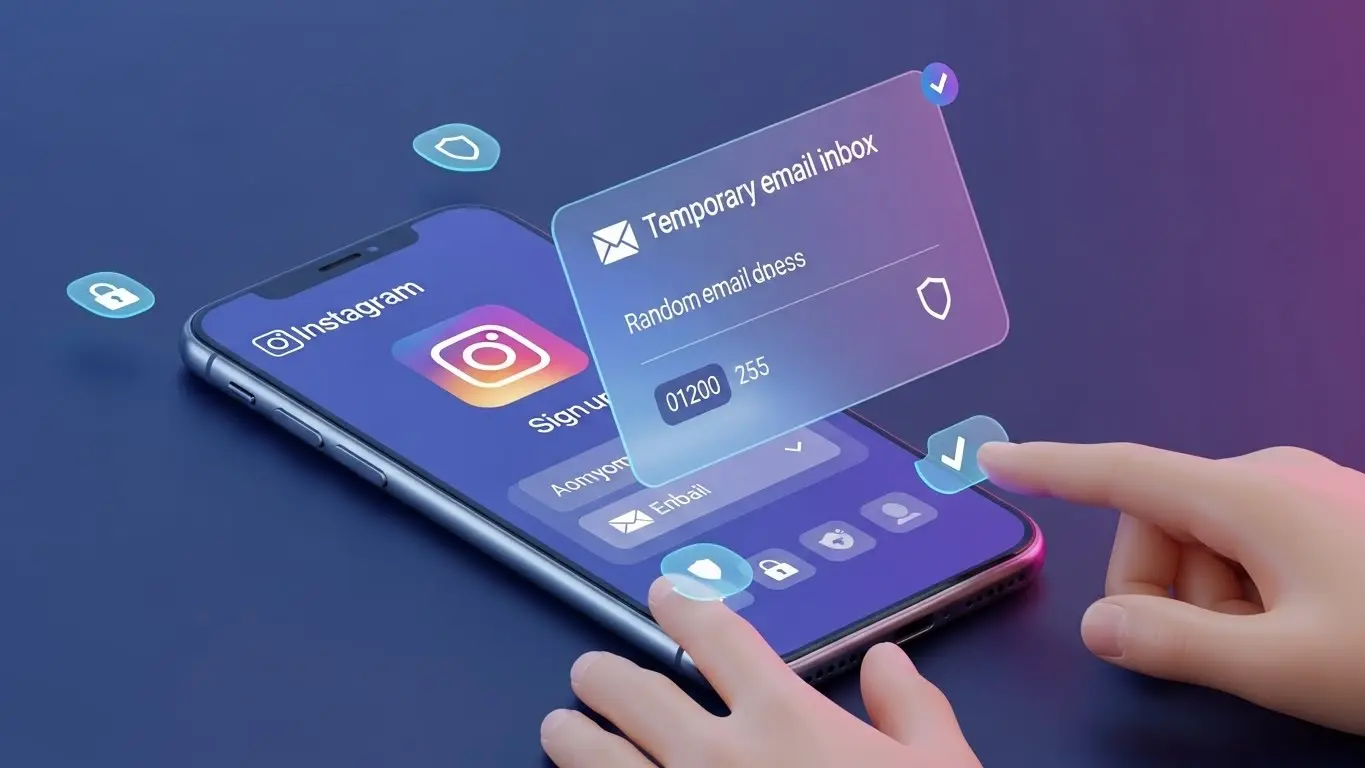
Instagram is arguably the most influential social media platform in the world, but it is also one of the most data-hungry. From tracking your real-time location to linking your profile with your offline browsing activity, Meta (Instagram's parent company) builds a comprehensive, highly intrusive digital profile of every single user. But what if you want to use Instagram without handing over your core personal identity?
Whether you want to create a secondary account for a private hobby, conduct competitor research for your business, test marketing algorithms, or simply browse the platform without being algorithmically tracked, using a disposable email address (Temp Mail) is the ultimate solution. Here is your complete, in-depth guide to creating a secure Instagram account in 2026 while protecting your privacy.
Need a Quick Burner Email for Instagram?
Use our Free Instagram Temp Mail Generator to get instant OTP verification codes in 1 click.
The Risks of Using Your Real Email on Instagram
Creating an Instagram account traditionally requires a phone number or a primary email address. Using your real credentials exposes you to several hidden cybersecurity and privacy risks:
- The "Shadow Profile" Problem: If you use your main email, Instagram's algorithm instantly cross-references it with your phone's contacts, your WhatsApp, and your Facebook. It will immediately start suggesting your new "anonymous" profile to your boss, family members, or colleagues. Temp mail breaks this link completely.
- Notification Overload: Instagram is notorious for sending endless emails about "New Followers," "Suggested Posts," and "Missed Stories" just to boost their engagement metrics. A disposable email diverts this junk away from your primary workspace.
- Data Breach Protection: Social media platforms are prime targets for cyberattacks. If a database leak occurs, your real email address and password hash remain completely safe and unexposed.
| Privacy Metric | Primary Email | Temporary Email |
|---|---|---|
| Account Linking | Tied to Facebook & WhatsApp | 100% Isolated Identity |
| Friend Suggestions | Shows your account to real-life contacts | Remains completely anonymous |
| Marketing Spam | Fills your personal inbox | Auto-deleted after session ends |
Step-by-Step Guide: The "Clean Slate" Registration
Before you even generate an email, you must prepare your digital environment. Instagram tracks device IDs, browser cookies, and IP addresses meticulously.
Step 1: Browser Preparation
Do NOT use the mobile app for account creation. The app has deep access to your phone's unique hardware identifiers (IMEI, Advertising ID). Instead, use a desktop browser (like Brave, Firefox, or Chrome) in Incognito/Private Mode. Ensure you are not logged into Facebook or any other Meta service in another tab.
Step 2: Generate a High-Quality Temp Email
Open Temp Free Mail in a new tab. A unique email address will be generated for you instantly. Click "Copy" to save it to your clipboard. Do not close this tab, as you will need it for the verification OTP in a few minutes.
Step 3: Strategic Sign-Up
Go to Instagram.com and click "Sign Up." Paste your disposable email address into the field. Fill in a generic name and a strong, unique password.
Avoid the "Bot Trigger"
One of the biggest mistakes users make is leaving the profile entirely empty after signing up. This immediately screams "Bot" to Instagram's AI. As soon as you register, upload a profile picture (even a generic landscape photo) and write a short bio. This humanizes the account and drastically lowers the chance of an instant ban.
Step 4: Verify Your Account
Instagram will ask for a 6-digit confirmation code. Switch back to your Temp Free Mail tab. The email from Instagram should appear within seconds. Copy the code, paste it into Instagram, and your new isolated account is ready.
Troubleshooting: Bypassing "Action Blocked"
In 2026, Instagram's security AI is sharper than ever. If it suspects you are using a proxy, a datacenter VPN, or a bad IP address, it might ask for a phone number verification right after you enter the email. Here is how to handle it:
- Turn off your Commercial VPN: Datacenter IPs from popular VPNs are heavily flagged. Try registering using your standard mobile 4G/5G data connection, which provides a highly trusted residential IP.
- Warm Up the Account Slowly: Don't follow 50 people or like 100 posts in the first five minutes. Use the account naturally—scroll the feed, watch a story, and wait 24 hours before doing heavy activity.
Frequently Asked Questions (FAQ)
Can Instagram detect that I am using a temporary email?
Basic temp emails are often blocked. However, premium services like Temp Free Mail use advanced domain rotation, providing you with fresh, realistic-looking domains that easily bypass Instagram's initial email filters.
What happens if I forget my password?
Because disposable emails expire, you will not be able to use the "Forgot Password" feature later. Always save your login credentials in a secure password manager immediately upon creation.
Can I add a permanent email to this account later?
Yes! If you successfully grow the account and decide you want to keep it long-term, you can easily go into Instagram's settings and update the contact info to a permanent email address (like a dedicated ProtonMail or Gmail).
Conclusion
You don't have to trade your privacy for social connection. By using Temp Free Mail, you can enjoy exploring Instagram on your own terms—without the cross-platform tracking, without the spam, and without the privacy risks. Protect your digital footprint and start your anonymous journey today.